


Remix a preset mockup.
Make it your own.
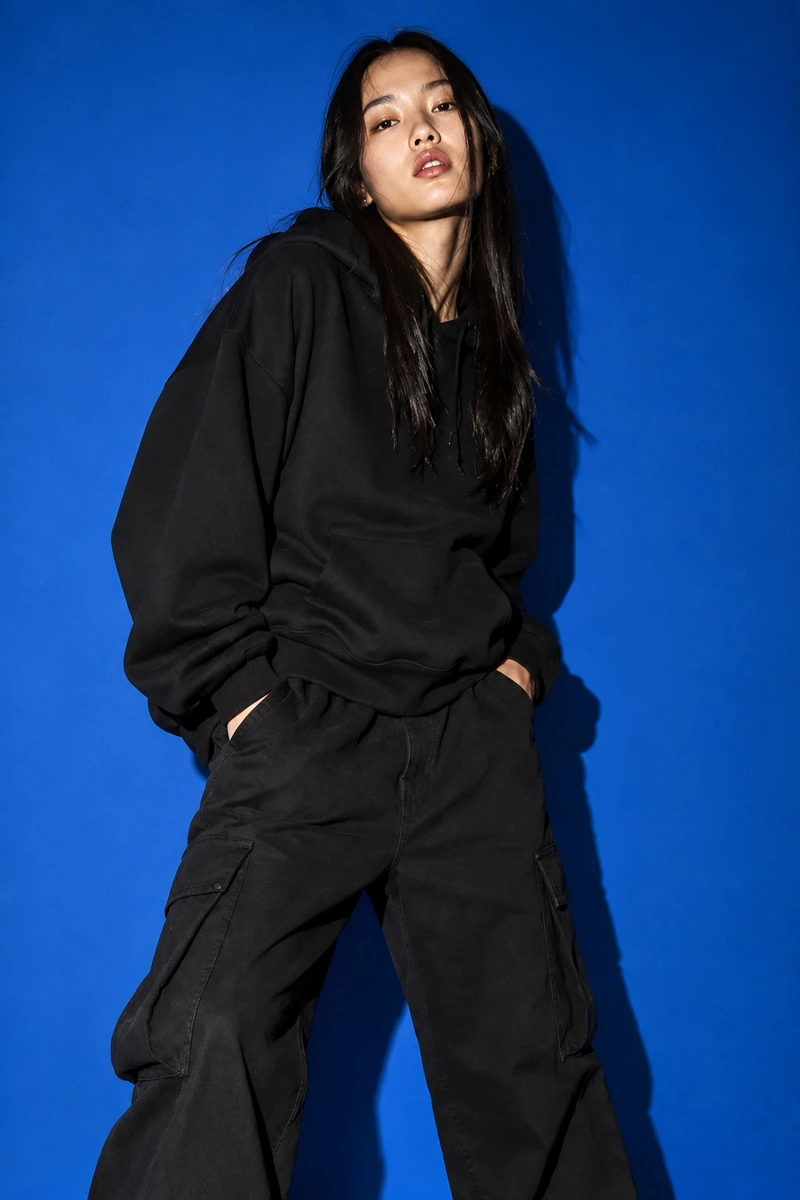

Red backdrop. High ponytail. Turn her gaze to the left.
Turn one design into a complete campaign without the shoot.
Trusted by creators on


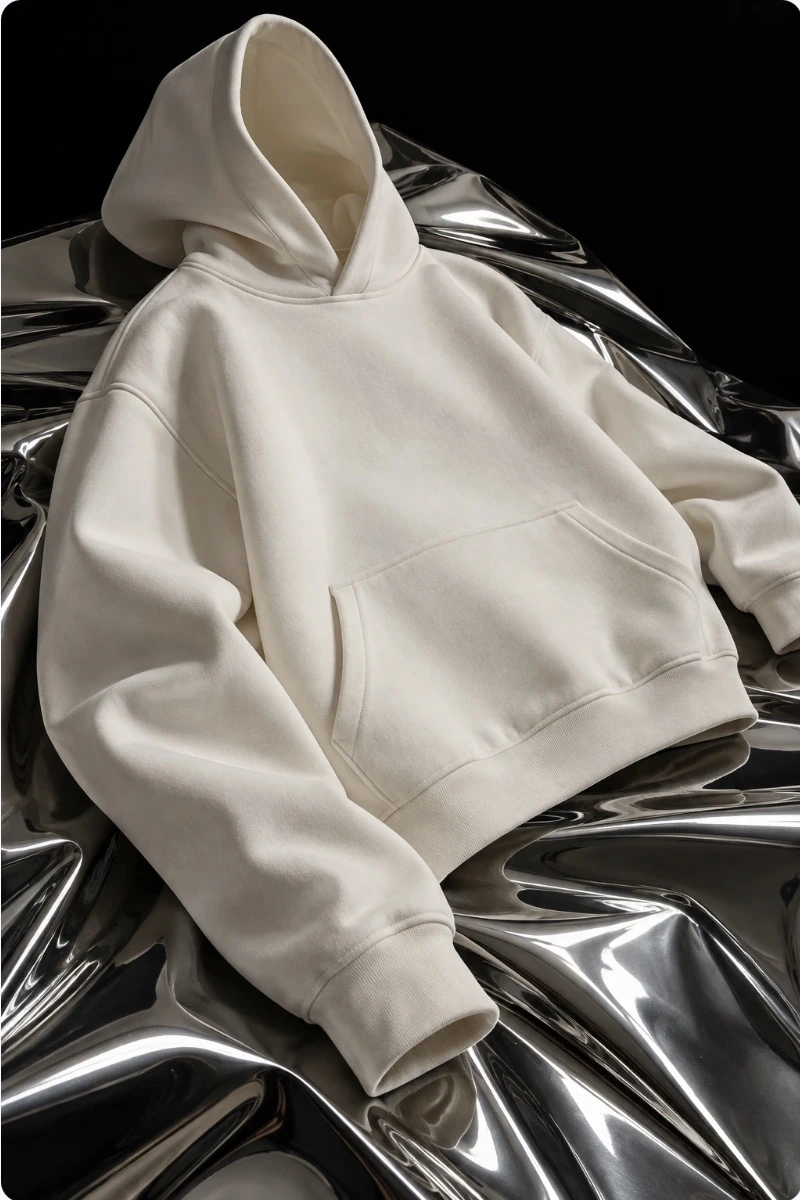
Start with a video. Add your artwork. See a plain tee become a moving showcase for your next drop.
Make it yoursTurn a fashion film into your next campaign. Choose a video, add your product or artwork, and create your own version.
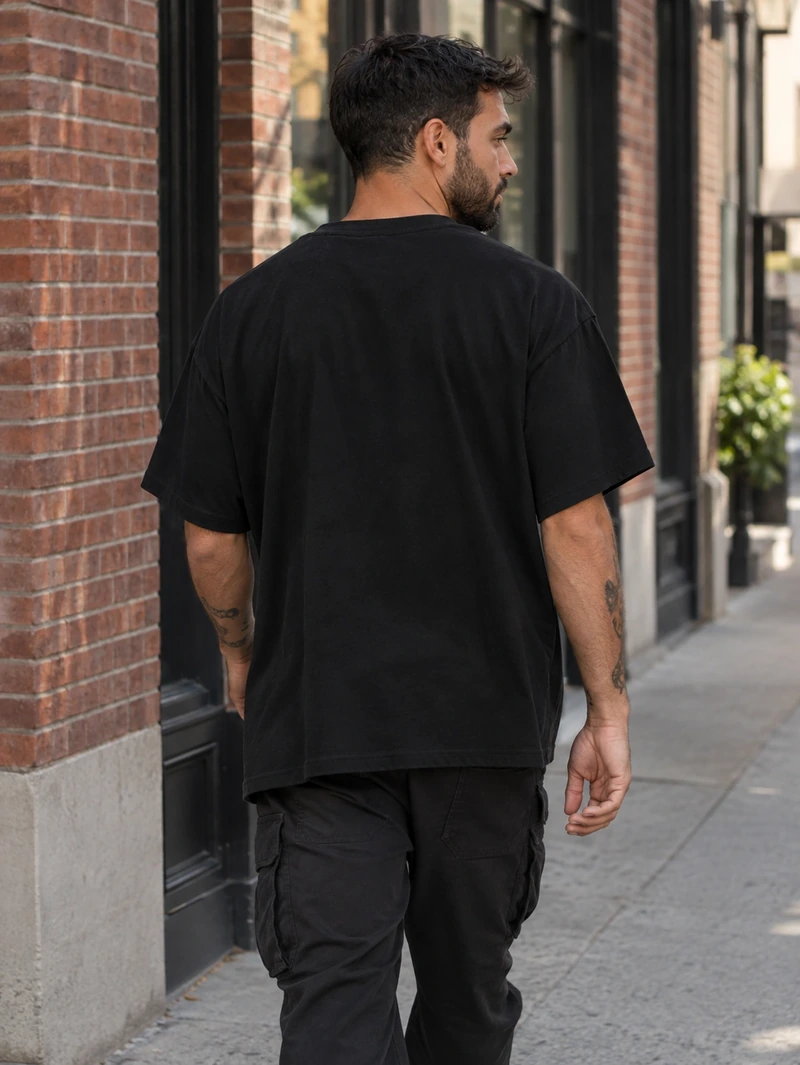
Create a videoStart with an existing ad. Add your product photos, your artwork, or both. Create a new video ad for your streetwear brand.
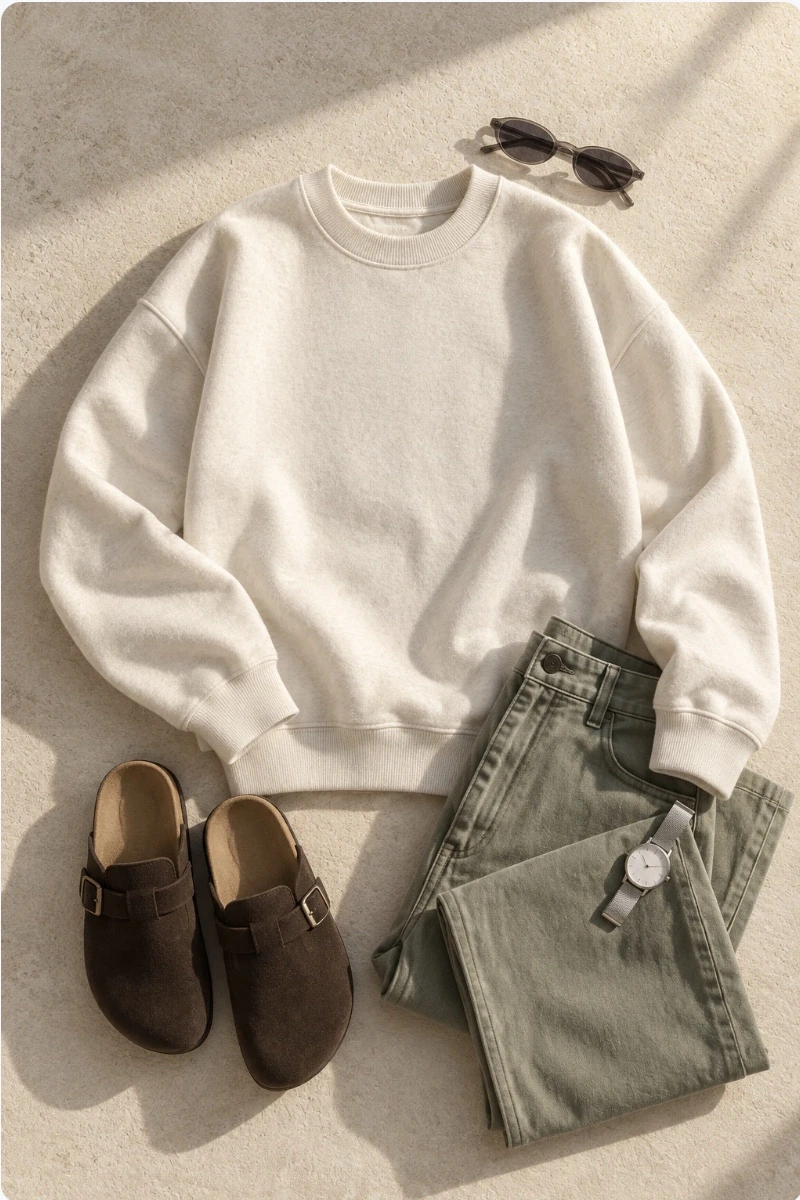
Remix an adMove beyond generic mockups. Create images that feel cast, styled, and shot for your brand.
Start creating


Red backdrop. High ponytail. Turn her gaze to the left.


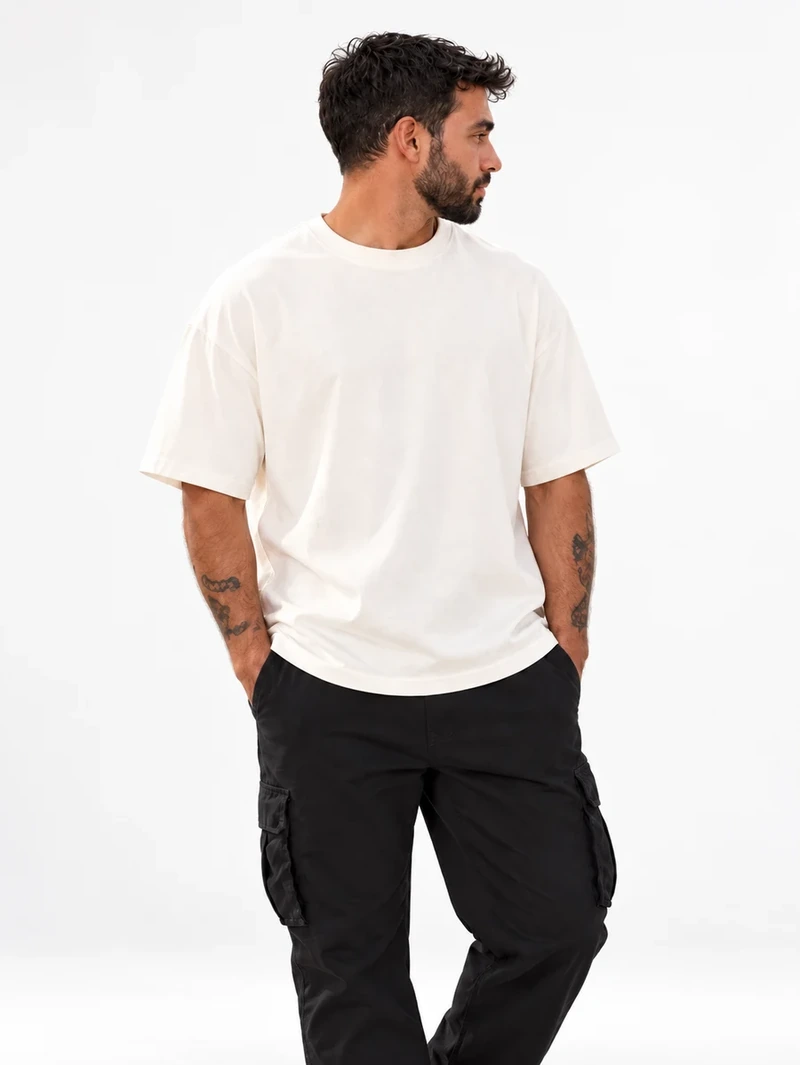
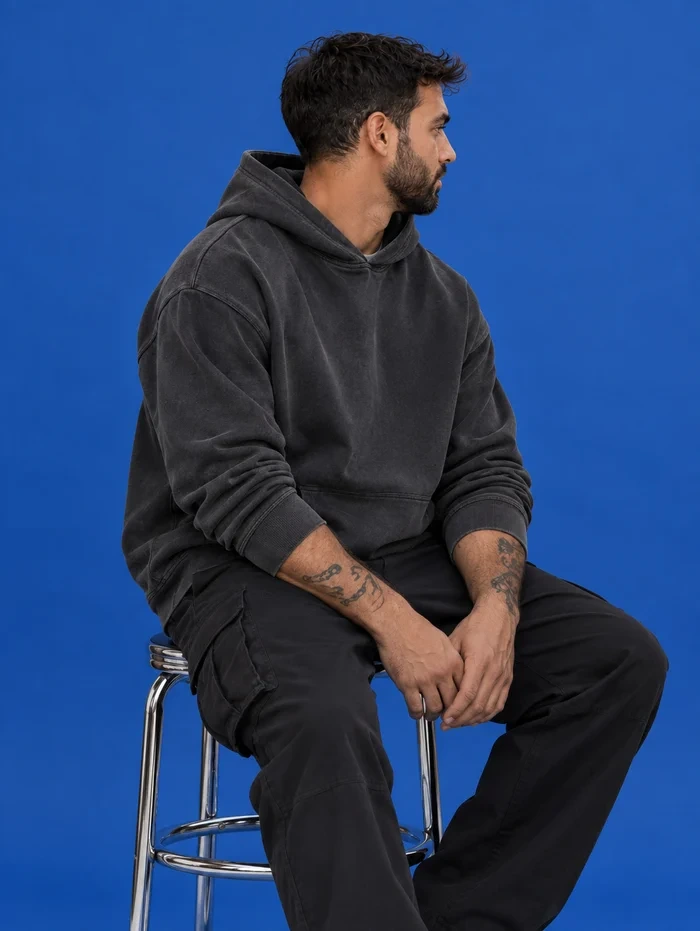

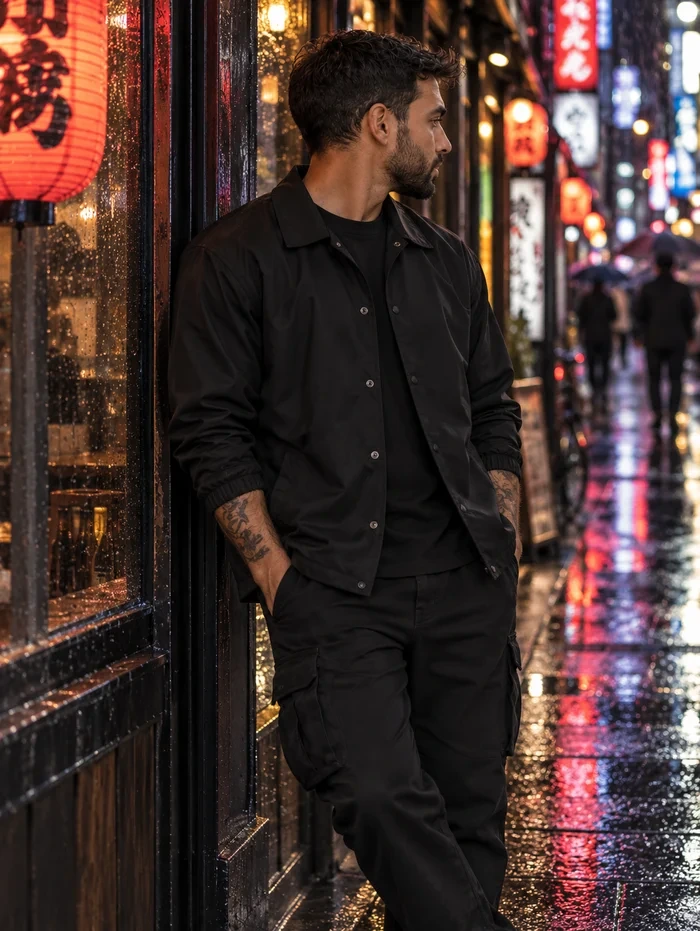
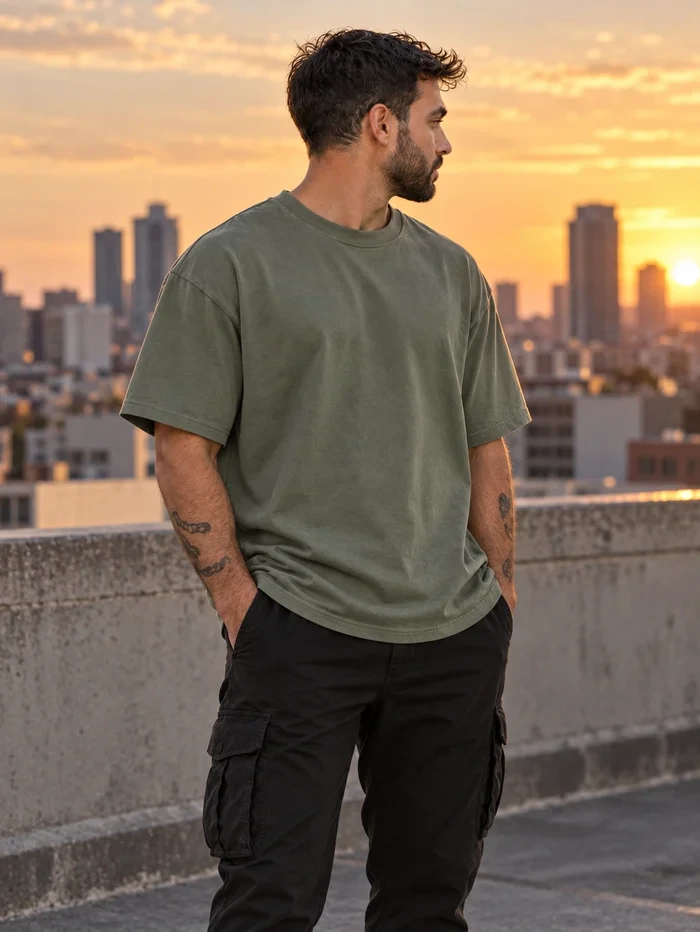
Adam F.
William O.
Eve C.
Subscribe for the best credit rate, or buy credits once.
Credit usage varies by model, inputs, and generation settings. Review the credit cost before you generate.
Prices are in USD. Review the selected plan again before secure checkout.
Try it first. Know what you’re paying for. Create at your own pace.
More answers in the Help Center.
Yes. Create a free account to receive 40 one-time starter credits, with no payment card required. Try the Free presets and explore the editor before choosing a paid plan.
Paid plans include a monthly credit allowance, access to the Pro preset catalog, unlimited live artwork edits and PNG downloads, full-quality watermark-free output, and a private saved mockup library. Compare the plans above to choose the allowance that suits your work.
On supported presets, your uploaded artwork is placed directly onto the mockup, so you can move, resize, and rotate it without regenerating your design. AI-generated scenes can vary, so review artwork details and product accuracy before publishing.
No. Start with a preset, upload your artwork, and adjust its placement in the live editor. If you want to generate a new scene, describe the product, setting, and look you have in mind in plain language.
The generation control shows the credit cost before you submit. Costs depend on the model, inputs, and settings you choose. Moving, resizing, and rotating artwork on supported presets does not make a new AI request or use generation credits.
When StudioMock confirms a generation failed after credits were deducted, those credits are restored. Credits are not automatically returned if you dislike a completed result. If a request fails or your balance looks wrong, contact support with the request details so we can investigate.
You can choose Pay once above to buy credits without an automatically renewing subscription. If you subscribe, you can cancel renewal from Plan & billing in your account. Your subscription access continues through the paid period.
Subscription credits refresh monthly and do not roll over, including on annual plans. Credits bought with a one-time pack do not expire. Free starter credits are a one-time allowance and do not renew each month.
Yes. Commercial use is included, subject to our Terms of Service and your rights in the artwork and references you upload. Check the finished image for product accuracy before using it in your shop, ads, or social posts.


